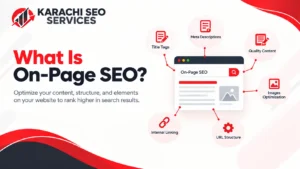
On-page SEO is the practice of optimizing individual web pages, content, HTML source code, and page experience so search engines can understand relevance and users can find useful information quickly. You control most on-page elements, including content, headings, title tags, URLs, internal links, images, and structured data.
On-page SEO connects search intent with page content. A page about “local SEO services” needs clear information about local optimization, Google Business Profile, citations, reviews, location relevance, and service processes rather than repeated use of one keyword. Strong optimization helps a page target relevant searches while supporting conversions.
For businesses that need measurable organic visibility, Karachi SEO Services applies on-page SEO as part of a broader search strategy. On-page work does not replace authority, links, or technical SEO, but a poorly optimized page can limit the value of those efforts.
Why Is On-Page SEO Important?
On-page SEO improves a page’s relevance, usability, and search visibility by aligning content and page elements with user intent. Search engines evaluate page content and other signals to determine whether a page satisfies a query, while users need clear information and easy navigation.
Effective optimization supports several outcomes:
- Better alignment between target queries and page content
- Stronger organic search visibility for relevant terms
- Clearer page structure for users and search engines
- More useful internal pathways between related pages
- Better opportunities for qualified traffic and conversions
These improvements can contribute to broader business outcomes, which is why understanding how SEO helps your business is important when evaluating on-page optimization.

What Are the Main On-Page SEO Factors?
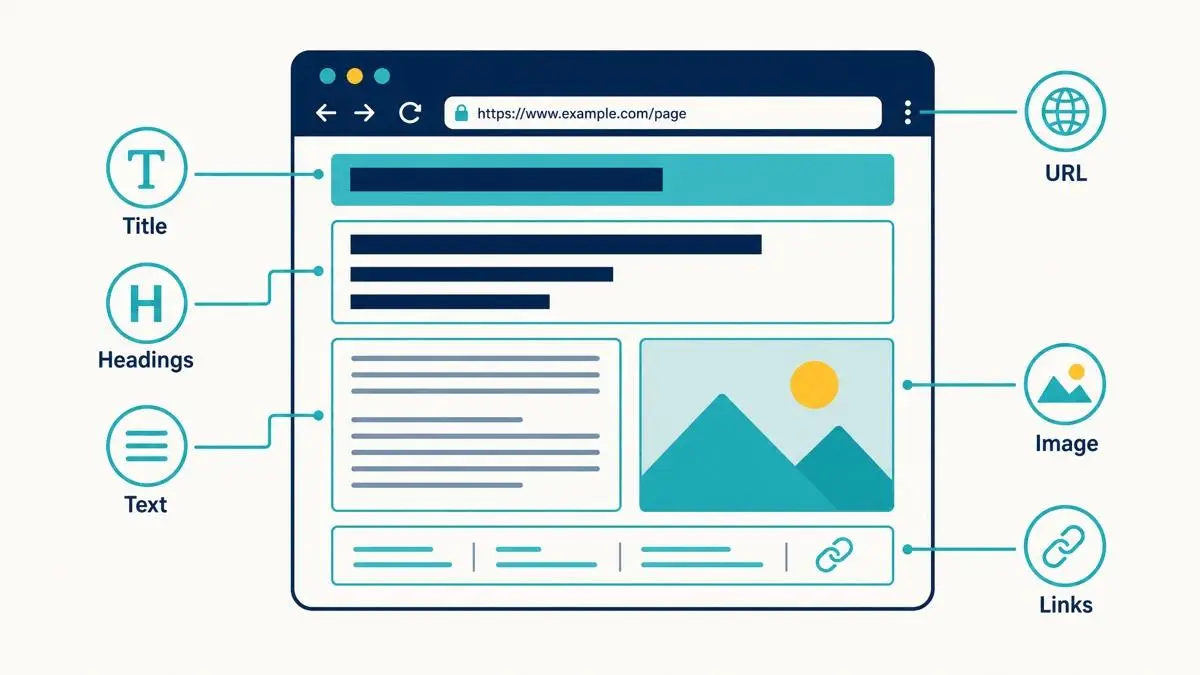
The main on-page SEO factors include content quality, search intent, title tags, meta descriptions, headings, URLs, internal links, images, structured data, page speed, and user experience. Each factor supports a different part of how a page is understood and used.
Content and Search Intent
Content must satisfy the purpose behind the query. Search intent commonly falls into informational, navigational, commercial investigation, and transactional categories. A page targeting “what is technical SEO” needs an educational explanation, while “technical SEO services” needs service details, processes, benefits, proof, and conversion paths.
Keyword research identifies the language users employ, but keyword placement alone does not create useful content. Optimizing website content for SEO requires aligning the information, structure, and wording with the needs behind the search.
Title Tags and Meta Descriptions
The title tag communicates the page topic in search results and browser contexts. Create a concise title that accurately represents the page and naturally incorporates the primary topic.
A meta description summarizes the page and can influence search result clicks. Write a specific description that explains the value of the page rather than filling the description with repeated keywords. Search engines may rewrite snippets, so the page content must support the title and description.
Header Tags
H1, H2, and H3 headings create a logical content hierarchy. Use one clear H1 for the primary page topic, H2 headings for major sections, and H3 headings for supporting points.
A strong heading structure helps users scan the page and helps search systems interpret relationships between sections. Headings should describe actual content instead of existing only to place keywords.
URL Structure
An SEO-friendly URL is short, descriptive, readable, and relevant to the page topic. For example, /on-page-seo/ communicates the subject more clearly than a URL containing random numbers or unnecessary parameters.
Use stable URLs because frequent changes can create redirects, broken links, and indexing complications. Include a relevant term when the term naturally describes the page, but avoid long keyword strings.
Internal Linking
Internal links connect related pages within the same website. A service page can link to relevant guides, supporting service pages, case studies, and contact pages when each link helps the visitor continue the task.
Use descriptive anchor text that identifies the destination. Strong internal linking distributes context and helps search engines discover important pages, while users gain direct paths to deeper information.
Image Optimization
Images can support topical relevance, accessibility, and user experience when the image directly contributes to page content. Use descriptive filenames, accurate alt text, appropriate dimensions, and compressed formats.
Alt text should describe meaningful image content for users who cannot see the image. Decorative images generally do not need descriptive alt text. Large, unoptimized images can slow pages and weaken the page experience.
Structured Data
Structured data uses machine-readable information to describe page entities and content properties. Schema markup can help search engines understand elements such as organizations, products, services, articles, events, and frequently asked questions.
Valid structured data does not guarantee a rich result or higher rankings. Use schema that accurately represents visible page content and follow search engine guidelines.
What Is an On-Page SEO Example?
An on-page SEO example is a service page optimized around one clear intent with a relevant title, H1, URL, useful content, internal links, images, and appropriate structured data. A Karachi web design service page could target “web design services in Karachi” and explain services, process, pricing factors, portfolio evidence, FAQs, and contact options. Similar location-focused optimization is also important when applying local SEO to pages targeting specific geographic searches.
The page title might be “Web Design Services in Karachi | Custom Website Design.” The URL could be /web-design-services-karachi/, while the H1 could closely reflect the primary service topic. Supporting headings can cover website types, design process, features, maintenance, and frequently asked questions.
How Do You Optimize a Page Step by Step?
To optimize a page, start with search intent and keyword research, then refine content, page structure, metadata, links, media, technical elements, and measurement. Complete each stage based on the page’s purpose rather than applying the same template to every URL.
- Identify the primary query and dominant search intent.
- Review relevant search results and competing pages.
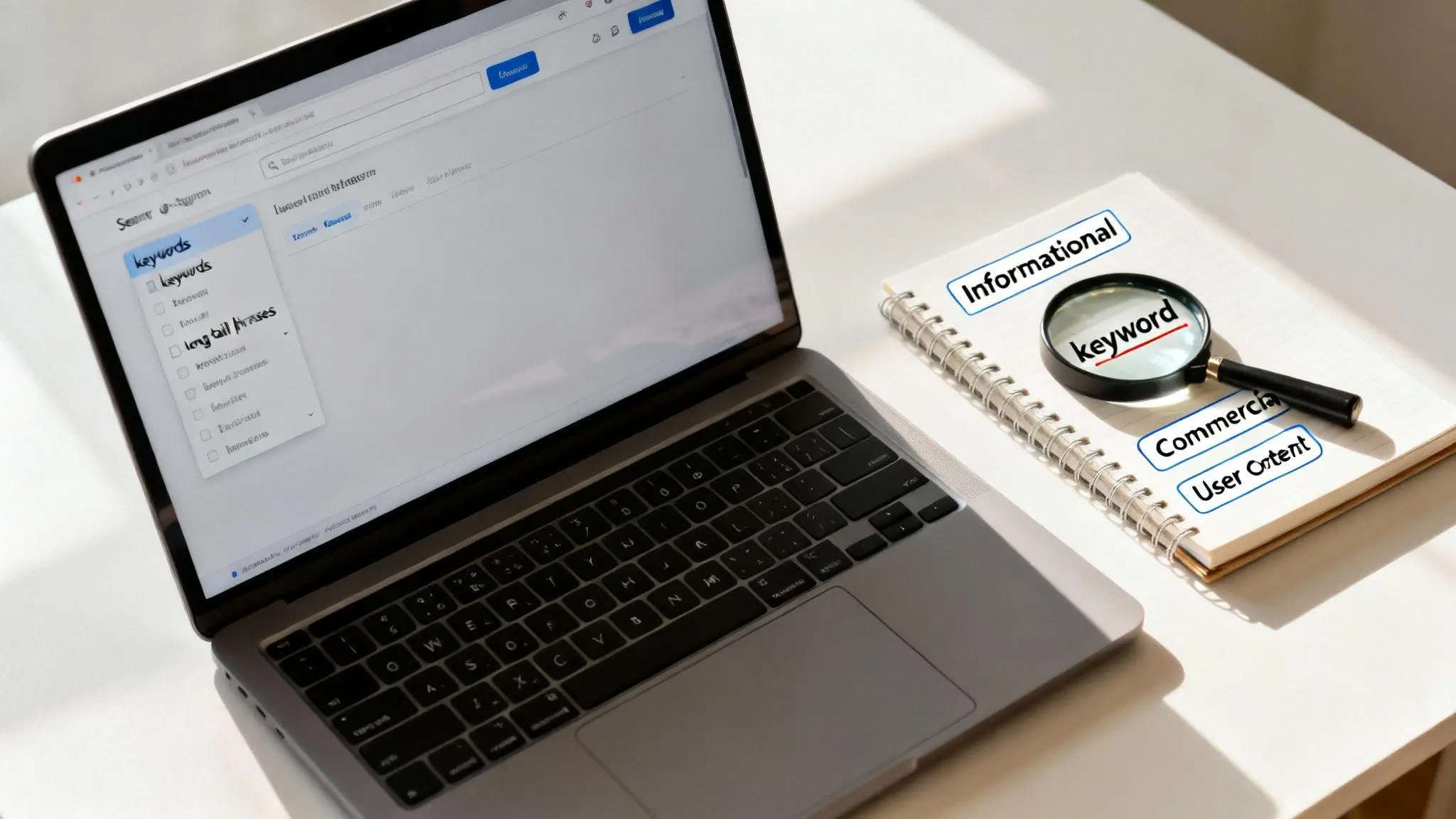
- Map primary, secondary, long-tail, and related terms.
- Create a clear H1 and logical H2/H3 structure.
- Write original content that directly satisfies the query.
- Optimize the title tag, meta description, and URL.
- Add relevant internal and authoritative external links.
- Optimize images, alt text, dimensions, and loading performance.
- Add accurate structured data where applicable.
- Check mobile usability, indexing, canonicalization, and Core Web Vitals.
- Measure impressions, clicks, rankings, click-through rate, and conversions.
- Update the page when search intent, facts, products, or services change.
How Do You Measure On-Page SEO Performance?
Measure on-page SEO through organic impressions, clicks, click-through rate, ranking positions, indexed pages, engagement signals, and conversions. Google Search Console can show query and page performance, while analytics platforms can connect organic visits with leads, purchases, form submissions, and other business outcomes.
Do not judge a page only by one keyword position. A well-optimized page can gain visibility for multiple related queries, so query coverage, qualified traffic, and conversions provide stronger evidence of business value.
Common On-Page SEO Mistakes
The most damaging mistakes are keyword stuffing, weak search-intent alignment, thin content, duplicate content, poor internal linking, unclear headings, slow pages, and inaccurate metadata. These problems reduce usefulness or make page meaning harder to interpret.
Avoid writing content solely to reach a word count. Avoid adding unrelated keywords because competitor pages use them. Avoid changing established URLs without a migration plan. Avoid adding schema that does not match visible content. Avoid publishing pages without internal links from relevant sections of the website.
On-Page SEO for Commercial Pages
Commercial pages need relevance and conversion paths because ranking alone does not create business value. A service page should state the service, location, customer problems, deliverables, process, trust signals, pricing factors, and next action. Place information where users can find it without scrolling. Add evidence such as case studies, reviews, credentials, service areas, or project details when evidence exists. Keep calls to action, such as requesting a quote, booking a consultation, calling, or submitting an inquiry. A page that matches transactional intent should make the next step obvious while preserving content.
On-Page SEO Checklist
Use this final checklist before publishing or updating a page:
- Primary intent and target query are clear.
- Content provides a complete answer without unnecessary repetition.
- H1, H2, and H3 headings follow a logical hierarchy.
- Title tag accurately represents the page.
- Meta description communicates page value.
- URL is concise and descriptive.
- Internal links point to relevant pages with clear anchors.
- Images have suitable filenames, dimensions, compression, and alt text.
- Structured data matches the visible content.
- Page works well on mobile and desktop.
- Indexing and canonical settings are correct.
- Core Web Vitals and loading performance receive attention.
- Conversion paths are clear for commercial pages.
- Search performance is monitored after publication.
Frequently Asked Questions
What is on-page SEO?
On-page SEO is the process of optimizing webpage content, HTML elements, structure, and user experience to improve relevance and search visibility. Key areas include search intent, keywords, titles, headings, URLs, internal links, images, structured data, and page performance.
Which tool is best for on-page SEO?
Google Search Console is the essential starting tool for on-page SEO because it shows queries, impressions, clicks, indexing, and page performance. Screaming Frog, Semrush, Ahrefs, and specialized content tools can provide deeper audits, competitor comparisons, and optimization recommendations.
How to do on-page SEO step by step?
Start by identifying search intent and target queries, then optimize content, headings, title tags, meta descriptions, URLs, internal links, images, structured data, and page performance. Validate indexing and mobile usability, then monitor organic clicks, impressions, rankings, and conversions.
How much does on-page SEO cost?
On-page SEO costs depend on page count, website complexity, competition, content requirements, and technical workload. A single-page optimization can cost less than a complete website audit and optimization project, while competitive commercial websites require broader research, content, technical work, and ongoing monitoring.